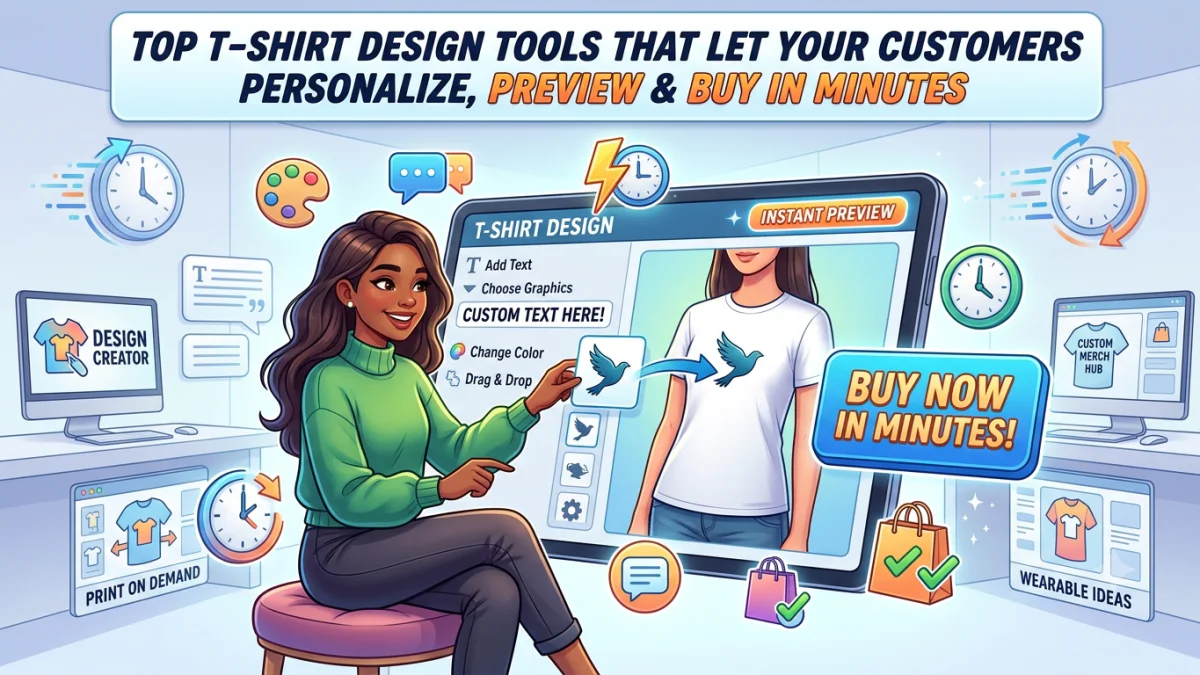
Custom t-shirt printing was a $5.2 billion market in 2024, and Grand View Research expects online sales to be its fastest-growing channel through 2030, at 13.3% a year. That growth runs through one screen: the moment a shopper opens a blank shirt on your website and decides whether to make it theirs.
Most of the t-shirt design tools that ranking guides cover are for designers making their own art. This list is different. Every tool here is something a store owner embeds so shoppers can personalize a shirt and see it before they pay.
They also look alike on paper. Live preview, clipart, fonts, print-ready files. So what decides whether a shopper actually checks out in a few minutes?
Mostly, it’s how many decisions the tool asks them to make before they see something they like.
Three Ways a Shopper Can Start
Every design tool opens in one of three ways, and each one suits a different buyer.
A blank canvas. The shopper gets a shirt and a toolbar. Great for someone who arrives with a logo or a clear idea. Slow for someone who doesn’t, because an empty shirt is a hard place to start.
A template. The shopper picks a finished design and swaps in their own name or photo. This is the fastest route for gifts and family or event shirts. It’s also less flexible.
A form. The shopper fills in a few fields, like name and number, and never touches a canvas at all. It’s the quickest of the three, though it only works when you’ve already decided what the shirt looks like.
Most stores need more than one. A team store wants forms and a gift shop wants templates, while a local print shop probably needs all three. The tools below are grouped by the stage they handle best.
Canvas-First Tools
1. PrintXpand T-Shirt Design Tool
Our own t-shirt design tool is built for print shops rather than single Shopify stores. It handles front, back, and both sleeves, each with its own print area, bleed, and safe zone, and the preview updates across every zone in real time. Pricing updates live as shoppers add print locations or change the quantity.
The speed feature that matters most here is the roster upload. A coach ordering 30 jerseys uploads one CSV of names and numbers instead of designing 30 shirts. On the production side, output matches the decoration method: high-resolution PNGs for DTG and DTF, and color-separated vectors for screen print. It embeds in Shopify, WooCommerce, Magento, and other platforms, and runs on our cloud or your own servers.
Where it thins out: there’s no published price, only a custom quote and a free proof of concept. And there’s no 3D preview for t-shirts. For a small gift store that wants to be live this weekend, one of the apps above is a faster fit.
2. Qstomizer
One of the oldest apps in the category, live since 2014, with a 4.7 rating from 116 reviews. Shoppers can design on the front and back, start from 200+ templates, or upload their own files, including AI and EPS files. Bulk pricing is built in, and the tool works on mobile.
It’s also one of the cheapest. Plans run from $9.99 to $49.99 a month, with no transaction fees.
Where it thins out: the listing doesn’t describe print-ready file generation, so check what your production team actually receives before launch. The entry plan also shows Qstomizer’s branding to your shoppers.
3. Fancy Product Designer
A German-built tool that explicitly targets t-shirts and apparel, with real-time 3D previews for shirts and jerseys and print-ready exports with “proper resolution and color profiles”. It runs as a Shopify app (from $30 a month, 4.9 from 47 reviews) or as a WordPress and WooCommerce plugin sold as a one-time $99 license per domain.
That one-time option is rare in this list, and it suits WooCommerce stores that don’t want another monthly bill.
Where it thins out: order caps apply on every Shopify tier below Unlimited, and the small review base makes it harder to judge how it holds up at volume.
4. Zakeke
Zakeke goes furthest on preview. Shoppers can see their design in 3D and in augmented reality, and AI previews show how embroidery will actually look stitched. It also connects to Printful and CustomCat if you outsource production, and supports 23 languages.
That preview quality is the point. For premium pieces, the 3D view is often what convinces someone to pay.
Where it thins out: cost. Plans start at $69.90 a month plus a 1.9% transaction fee, and the entry plan covers only 10 products. For a shop with a wide catalog of blanks, the bill climbs quickly.
Template-First Tools
5. Customily
Customily is built for personalized gifts where the design is mostly decided, and the shopper adds the personal part. Think a family reunion shirt with names filled in. It has a 4.9 rating from 276 reviews and shows live, realistic previews as the shopper types.
Pricing is $49 a month plus a per-item fee of $0.10 to $1 on personalized products.
Where it thins out: the per-item fee grows with your sales, so run the numbers at your busiest month, not your average one. The listing also doesn’t detail multi-side apparel printing.
6. Teeinblue
Teeinblue takes the same template-first approach and leans into print-on-demand. It connects to Printful, Printify, Gelato, CustomCat, and several other providers, and you can import templates from Canva or Photoshop. It holds a 4.9 rating from 377 reviews.
The $49 monthly plan covers unlimited stores and products. The first 100 orders each month carry no item fee, after which it’s $0.10 to $0.40 per item.
Where it thins out: it’s designed around POD gift personalization. If you print in-house and need front, back, and sleeve work, check the multi-side setup in the trial before committing.
Form-First Tools
7. Zepto Product Personalizer
With 1,426 reviews at 4.9, Zepto is the most reviewed app on this list. Shoppers pick options and type text into fields; the preview updates live, and pricing changes with each choice. Conditional logic lets you show or hide options based on earlier answers, so the form stays short.
Plans start at $9.99 a month for 100 custom orders. Where it thins out: it’s an option-based personalizer, not a garment designer. You won’t get a multi-side canvas or apparel-specific print files, so it works best when the shirt layout is fixed and only the text changes.
Built for Print Shops Taking Bulk and Team Orders
8. Inkybay
Inkybay has been on the Shopify App Store since 2017 and holds a 4.4 rating from 169 reviews. It’s built for decorators, with support for DTG, DTF, screen print, sublimation, and embroidery, and pricing that updates live as shoppers change color or size. Files come out as PDF, SVG, JPG, or PNG.
Plans start at $19.99 a month, with no commission on orders. Where it thins out: the cheaper plans cap orders and print sides. The $19.99 Starter plan allows 30 orders a month and two print sides, so front, back, and sleeve work means the $99.99 Professional plan or above.
Which Start Fits Your Store?
If your shoppers mostly bring their own artwork, a canvas-first tool makes sense. Pick based on how many sides you print and how much you want to spend on preview.
If you sell gifts or family shirts, start with templates. Most of your buyers don’t want to design. They want to see their name on something that already looks good.
If you sell team kits or staff uniforms, forms and roster uploads will save more time than any editor feature.
And if you print in-house, check one thing before anything else: what file lands on your production team’s desk. A tool that gets the shopper to checkout in two minutes but sends you a file that needs 20 minutes of cleanup isn’t fast. It’s just moved the work.
This won’t settle every case. Some stores run a template app for gifts alongside a canvas tool for custom orders, and that’s a perfectly sensible setup.
Questions to Ask in the Free Trial
- Time yourself designing a two-sided shirt on your phone. How long until it’s in the cart?
- Upload a small, blurry logo. Does the tool warn the shopper, or let it through?
- Place a test order and open the file your production team receives. Can you print it as-is?
- Price your busiest month. What do per-item or transaction fees add on top of the plan?
At PrintXpand, the apparel shops we see struggle most picked their design tool for the editor, then found out the bottleneck was what happened after checkout.
About the Author
Pratik Shah is Creative Head at PrintXpand, a cloud and on-premise web-to-print and print automation platform serving 350+ print businesses across 40+ countries. He works with apparel decorators and print shops on how online design and ordering connect to production. Learn more at printxpand.com.